LIFE AI
Extra AI access without quota confusion.
An AI allowance should behave the same after a normal reply, an error and an extra-access action. Two August 13 commits bring those paths into one mechanism and connect a rewarded flow through Unity LevelPlay.
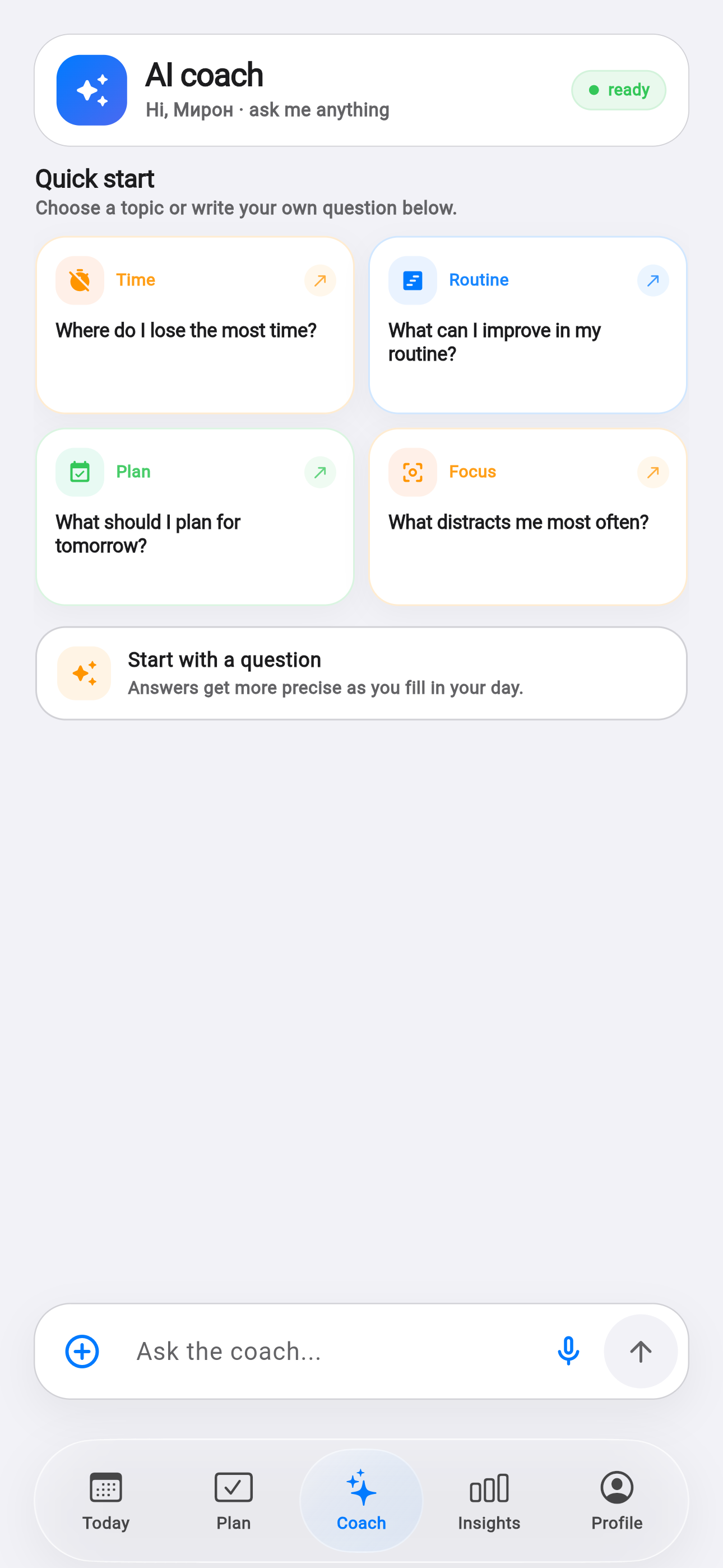
Facts and scope come from real product changes, with their impact explained in plain language.
One source of truth
Instead of several local ways to update a counter, the app now uses one method for applying AI quota. The server response becomes the authoritative state after both a request and a reward.
That prevents the interface from showing one balance while the next request sees another. Even an error can carry current usage data and correct the screen immediately.
The server confirms the reward
A completed view does not change the allowance on its own. The ad network reports completion, the server verifies the event and then returns an updated quota. Only that confirmed result reaches the interface.
The client cannot accidentally grant access twice, and the outcome appears in the same place across platforms.
Free access stays understandable
Rewarded access is an additional choice, not a hidden interruption inside a conversation. Paid plans still provide higher limits, while the free experience can show what remains in advance.
The Life AI typing indicator was simplified at the same time, with fewer nested surfaces and calmer spacing. Even a service state should not make the conversation feel busy.
One counter
Server state applies across every path.
Verified grant
Access changes only after confirmation.
Clear choice
The optional flow stays outside the conversation.
Start the day before creating an account.
Guest mode opens planning immediately, then moves the existing history into a permanent account when you sign in.