LIFE AI
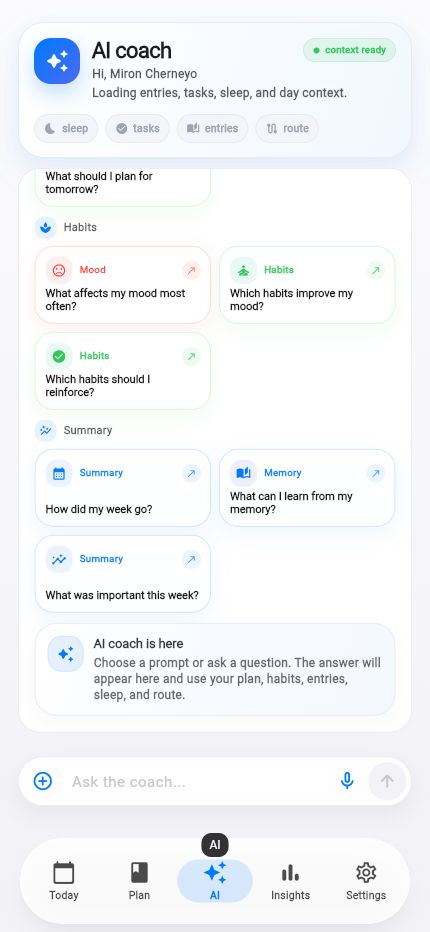
Life AI uses your context and previews actions first.
Life AI can now explain the day from selected data and suggest a next step without pretending that a proposed change already happened.
Facts and scope come from real product changes, with their impact explained in plain language.
Context is explicit
A request can include memory, today, plan, archive, route, shared rooms, analytics, health and documents.
Sources appear with the answer, while private data stays out unless that context is enabled.
Answers arrive progressively
Streaming reveals text as it becomes ready. Brief, detailed and step-by-step modes are available alongside speech playback.
Cards and suggestions keep facts distinct from recommendations.
Actions begin as proposals
AI can prepare create, update, complete, break-down, find-time, reschedule, focus and memory actions.
Nothing is presented as applied before confirmation: the card remains a preview.
Choose context
Enable sources separately.
Read sooner
Text streams as it is ready.
Confirm
Inspect a change before applying it.
Plan and Focus reach the iPhone surface.
Four WidgetKit widgets and a Live Activity expose capture, next task, day plan and timer without opening the app.