FIRST RUN
First run now teaches through one real example.
Onboarding works when the first action feels obvious afterward. Broad promises make way for a clear sequence: capture, review, see the day and understand data protection.
Facts and scope come from real product changes, with their impact explained in plain language.
One example crosses every screen
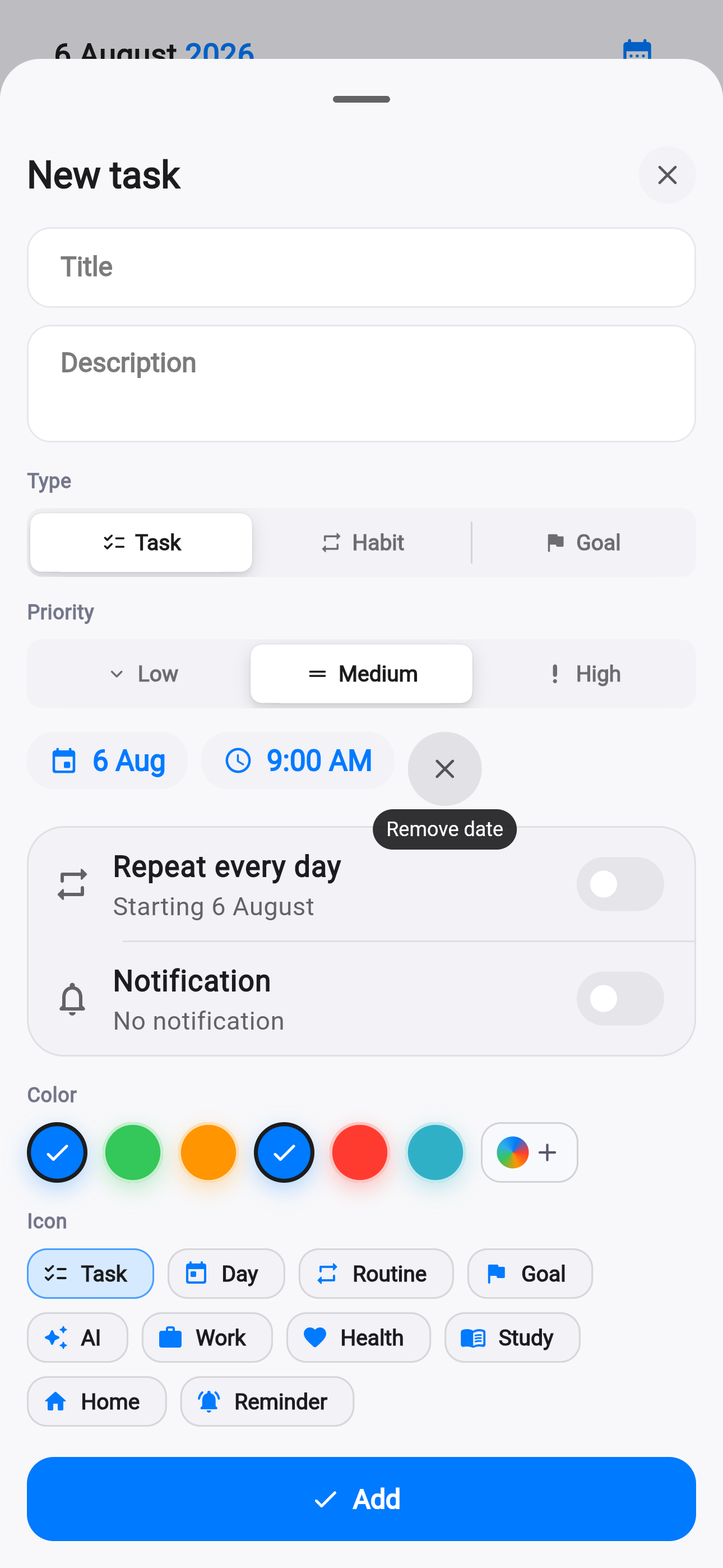
The first step offers a natural phrase. The second shows a draft card where AI identified title, date, time and type. The third places the confirmed item beside the rest of the day.
The introduction therefore explains cause and effect rather than a collection of buttons. AI prepares a draft, but nothing reaches the timeline until you explicitly confirm it.
Privacy comes before permission prompts
The fourth step describes protected sync, Keychain and the optional iCloud settings copy. Permissions are not requested on that slide; they appear later when the related feature is actually used.
That separation matters. Explanation provides context without immediately presenting a system dialog, leaving each integration as a deliberate choice.
The everyday flow improves alongside it
The same commit strengthens photo caching, streaks, settings, support and route states. A new user reaches both a clearer introduction and a steadier working environment.
The update spans 43 files with tests for onboarding, settings, photos and interface behavior. First run is treated as a real product workflow, not a disposable presentation.
Say it
Natural language instead of memorizing syntax.
Review it
AI drafts; the final decision remains yours.
Know the data
Permissions and iCloud are explained separately.
Life AI now has conversation history.
Multiple chats, search, rename and delete keep planning, reflection and daily review in separate spaces.