ROUTES
Route history becomes a calendar of life.
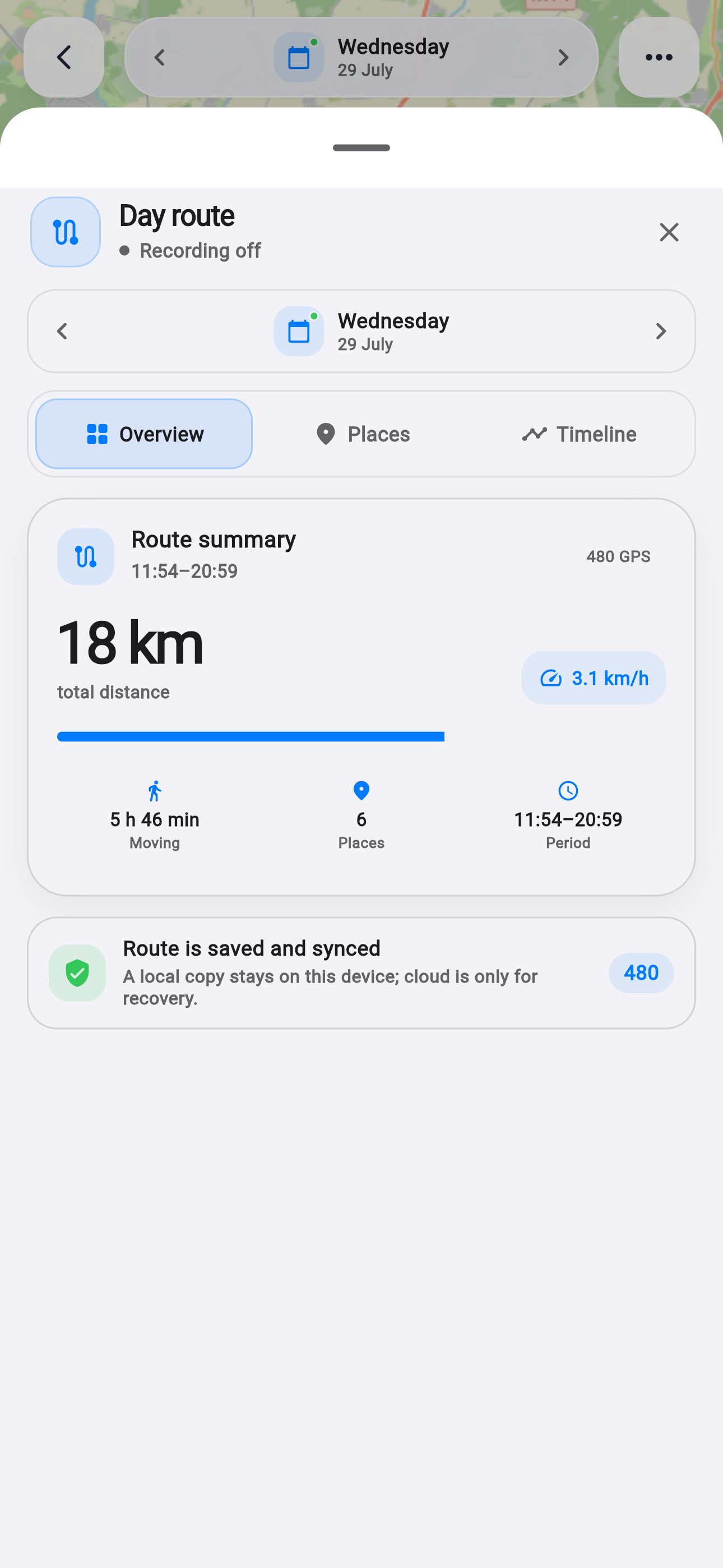
A route remains useful after tracking stops. A week later it helps recall where the day went; a month later it can reveal a repeating rhythm. Date selection now provides full navigation through that history.
Facts and scope come from real product changes, with their impact explained in plain language.
The calendar knows where data exists
The new date dialog knows which days contain recorded points. Those dates are marked in the calendar, so there is no need to open days blindly and wait for an empty map.
Metrics are loaded only for relevant days in the displayed month and cached inside the dialog. Moving through a long history therefore stays responsive.
Inspect a day or notice a pattern
Four modes are available: day, week, month and custom range. A day answers “where was I?”, a week makes workdays comparable and a month shows the broader scale of movement.
A custom range fits a trip, holiday or project. Selection remains inside the real history and never offers future dates where data cannot exist yet.
Places gain a readable language
Home, work, shopping, food, fitness, study and other stops have distinct colors and symbols. Distance, place count and movement chronology stay visible beside them.
The route screen gains more than 800 lines and dedicated calendar tests. Place history remains optional and is built only when location permission is enabled.
Find the day
The calendar marks dates with a recorded route.
Choose the scale
Compare a day, week, month or trip.
Read the stops
Color and type make the map easier to scan.
Progress that explains the next step.
The refreshed achievements screen clarifies levels, XP, streaks and the remaining path without becoming an endless trophy cabinet.