LIFE TRACKER WEB
Life Tracker Web brings your day to the browser.
iPhone remains the native home. The browser is now a real workspace for the same account — not a stretched phone mockup.
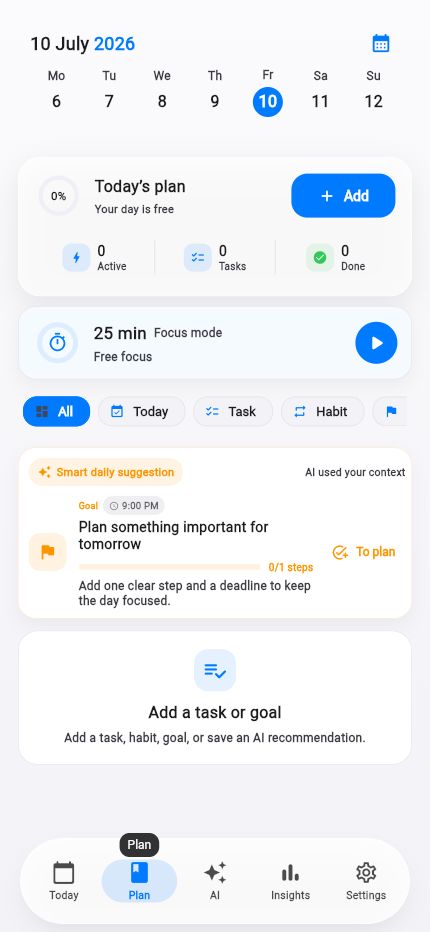
Grounded in the 1.4.x web foundation work: responsive shell, auth on the web, and desktop-ready layouts without rewriting private product data.
What stays private
Personal timeline, profile, AI conversations and settings remain private. The public web surface is the product workspace itself — search engines are told not to index the app shell.
What you can do in the browser
Sign in with the same Life Tracker account, continue the day, adjust plans, and use Life AI where the web foundation already supports it. Native-only pieces such as Apple Health collection stay on iPhone.
How to move between surfaces
From lifetracker.app use Open Web App. Inside the web app, the Life Tracker mark and Settings → Main site return you to the marketing site without breaking the session flow.
One account
Continue where you left the day.
Desktop layout
Sidebar and multi-column composition.
Clear CTAs
Download iPhone App vs Open Web App.
Open the same Life Tracker in your browser.
No App Store required for the web workspace — your private routes stay out of search indexes.