ROUTES
Routes show live recording and explain movement.
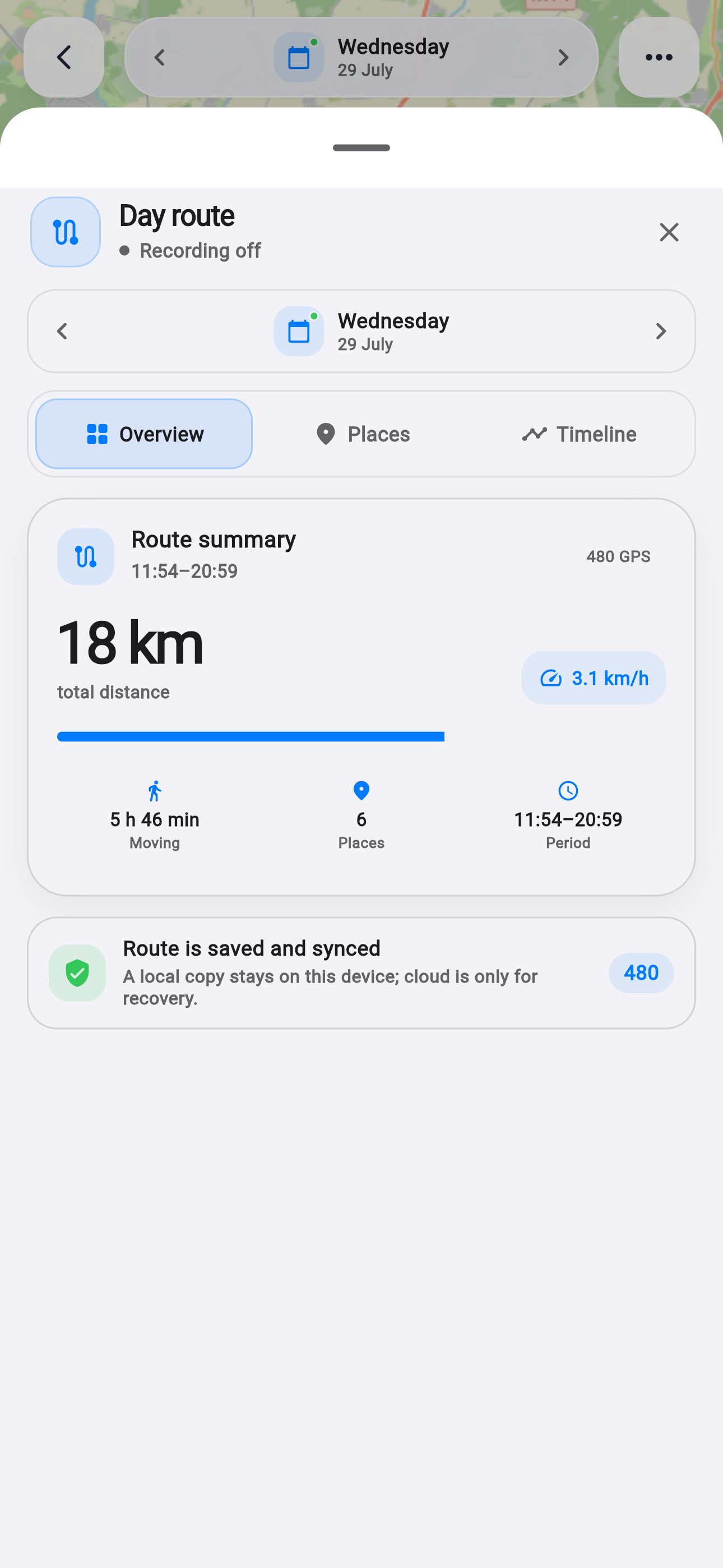
A route should answer more than “where?” It should also show whether recording is active and what changed across a selected period.
Facts and scope come from real product changes, with their impact explained in plain language.
Status is immediate
The screen shows active recording and the system notification explains that Life Tracker is saving the route.
Points are stored locally first and upload later when the network returns.
Analytics connects days
The summary combines distance, moving time and active days for the selected period.
A card opens the relevant day so map, memory and plan can be compared.
Unrealistic jumps are filtered
Accuracy, timing and plausible speed help reject noisy points.
History remains optional and starts only after location permission.
Record
Live status confirms tracking.
Stay offline-first
Routes survive a network gap.
Compare
Periods connect with analytics.
Planning on iOS is shorter and calmer.
A new date picker, consistent dialogs and a redesigned plan reduce the distance between intention and action.