PLANNING
A timeline you can reshape in a few taps.
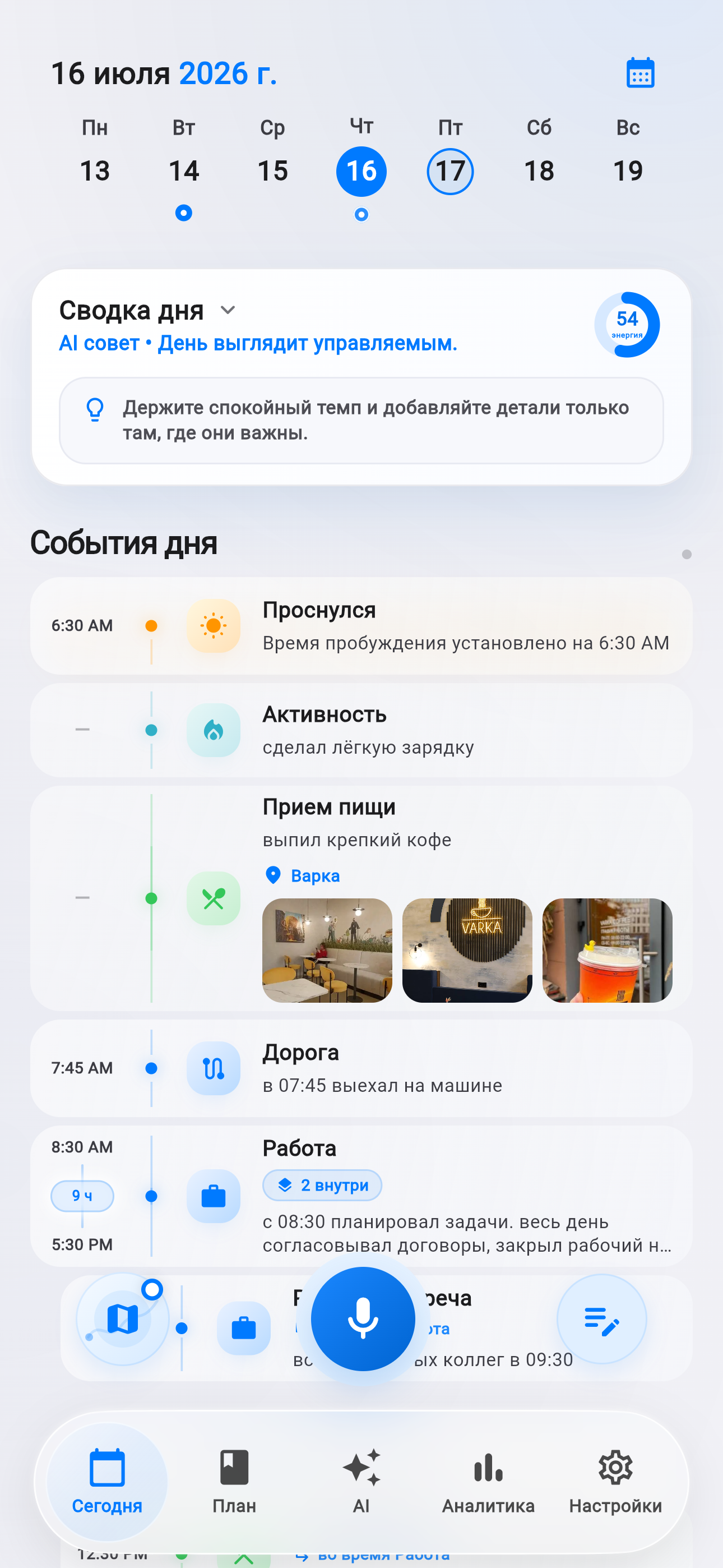
A plan rarely reaches the evening exactly as it began. A meeting runs long, travel takes more time, and several tasks need to move together. That kind of change is now a natural part of the Life Tracker timeline.
Facts and scope come from real product changes, with their impact explained in plain language.
Stop editing every card
A small schedule shift used to risk becoming a chain of repetitive edits. The timeline now has a selection mode: tasks get clear circular controls and the whole group can move backward or forward together.
One-hour steps handle broad changes; five-minute steps are there for careful alignment. Controls pause while an update is running, preventing conflicting requests and making the selection state easy to understand.
A template is a draft, not a command
The day-template library now opens a full preview before anything is applied. You can inspect the schedule, decide whether it fits and only then bring it into a particular day.
That makes templates useful for recurring work rhythms and occasional situations such as travel, training or a focus day. They provide a fast starting point without taking control away.
Why this is more than a new button
A useful planner should absorb change calmly. Multi-select removes repetitive work, the small step preserves precision and the preview protects against applying the wrong routine by accident.
The commit touches 10 files and adds coverage for timeline dragging and the redesigned editor. The work is not purely visual: selection behavior is treated as a tested product workflow.
Select together
Mark related tasks directly in the timeline.
Shift precisely
Move the group by an hour or five minutes.
Preview first
Review the day before applying a template.
Photos, files and a calmer iOS interface.
Life AI gains a compact attachment composer while core screens share a consistent glass menu and more resilient media handling.