Select several items and shift them together by an hour or five minutes.
02 / Planning
A plan with
room to breathe.
Bring tasks, goals and habits onto one screen. Life Tracker shows your workload, completed work and open time so the plan stays realistic.
Life Tracker Web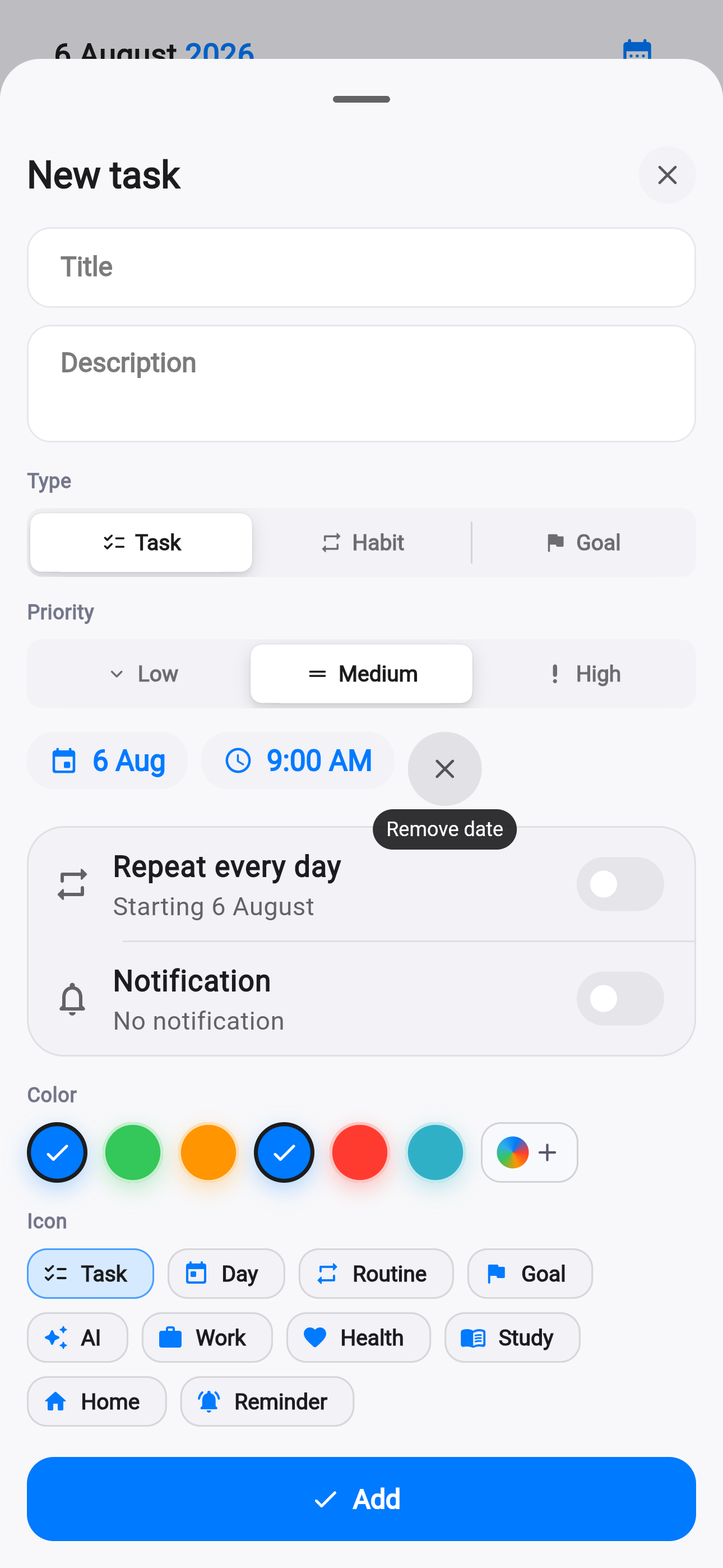
Today3 meaningful steps
Focus25 minutes
Planning in detail.
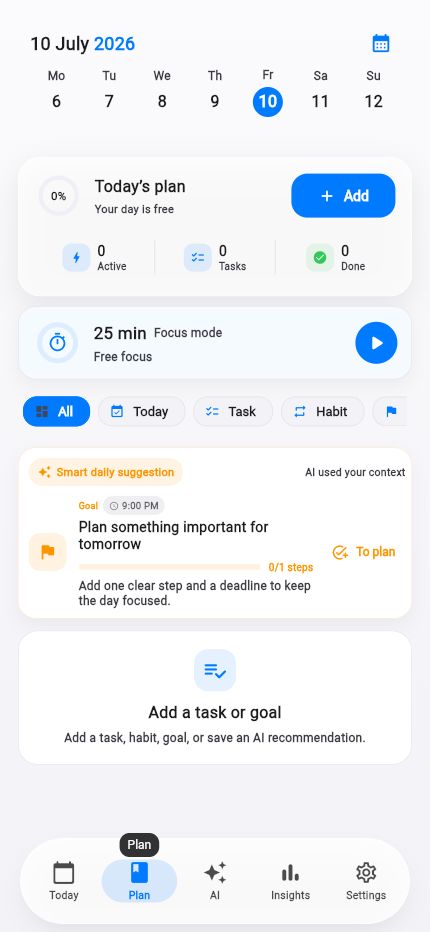
The new task editor and the day plan show the path from an idea to a concrete action.
Dedicated iOS sync controls range, privacy and untimed tasks.
Widgets show the next item and up to six day-plan entries without opening the app.
Important first. Details second.
Collect your tasks
Add a task, goal or habit manually, by voice or from an AI suggestion.
Give it the right time
Use a deadline and reminder only where they genuinely help.
Work from the plan
Mark progress or start a focus session from the same day screen.
For work and life.
Choose a few realistic outcomes for the day.
Keep your rhythm without another tracker.
See open time before promising more.
The plan belongs to you.
Move, change or cancel tasks without breaking the system. Life Tracker follows the real day.
Your day is waiting
One product.
iPhone and Web.
Download the iPhone app or open the same Life Tracker in the browser.
✦