The active timer remains visible on the iPhone system surface.
05 / Focus
Give what matters
25 minutes.
Start a simple timer from your day plan. Life Tracker makes starting easier, keeps the screen calm and saves completed focus next to the task.
Life Tracker Web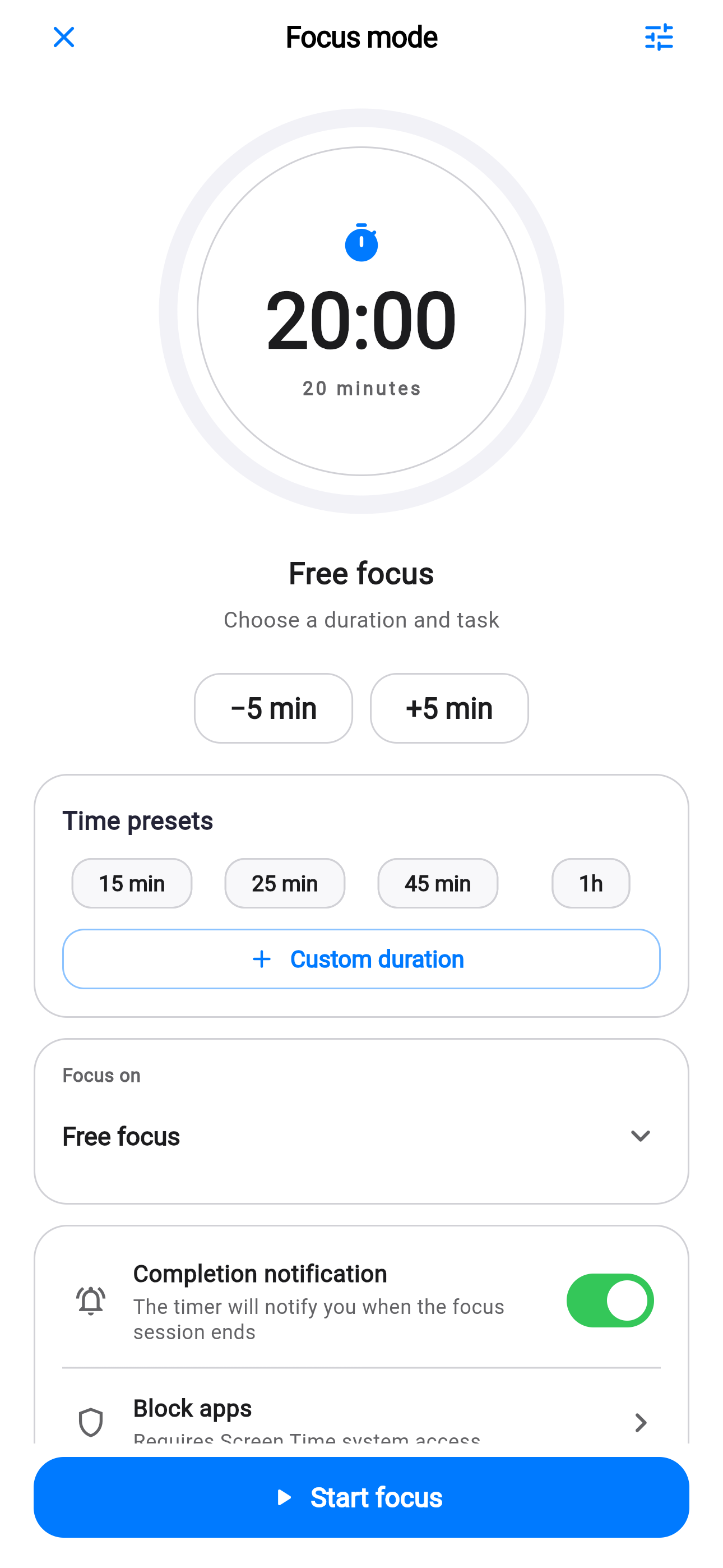
Session25:00
ModeOne task
Focus adapts to the task.
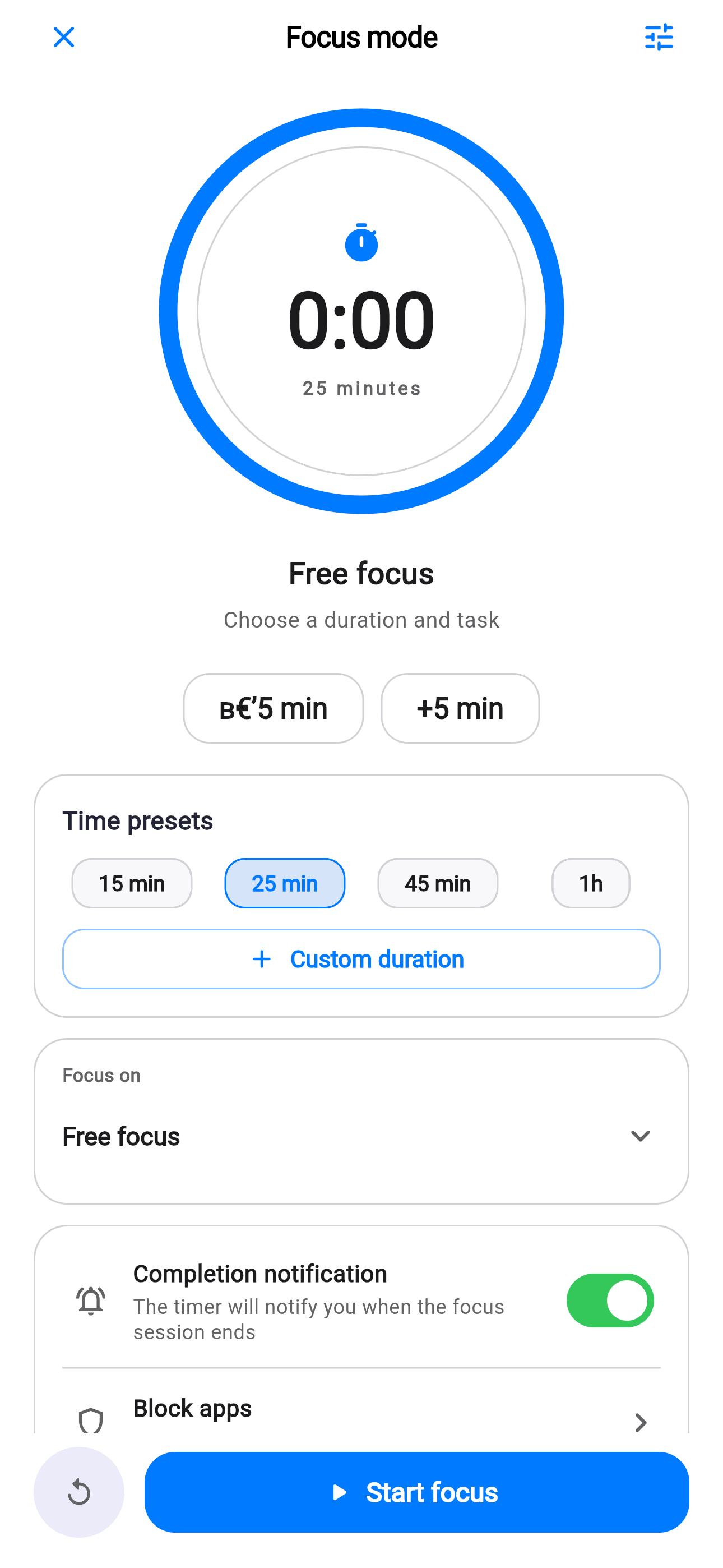
Choose a duration, connect a task and optionally enable a completion alert or app blocking.
Quick Capture opens focus, entry or task workflows directly.
Widgets never receive notes, addresses, coordinates, photos or AI answers.
Choose. Start. Finish.
Choose one task
Pick one concrete action instead of the whole list.
Set an interval
Begin with 25 minutes or choose a duration that fits.
Record the result
Finish the task or return to it later without guilt.
Focus without productivity theater.
A short interval reduces resistance to a large task.
One clear screen brings attention back.
Sessions reflect real work, not only checked boxes.
A pause is part of the work.
Stop or move a session when needed. Life Tracker does not judge flexibility.
Your day is waiting
One product.
iPhone and Web.
Download the iPhone app or open the same Life Tracker in the browser.
✦